

Creating Photorealistic Visuals with AI: A Step-by-Step Guide
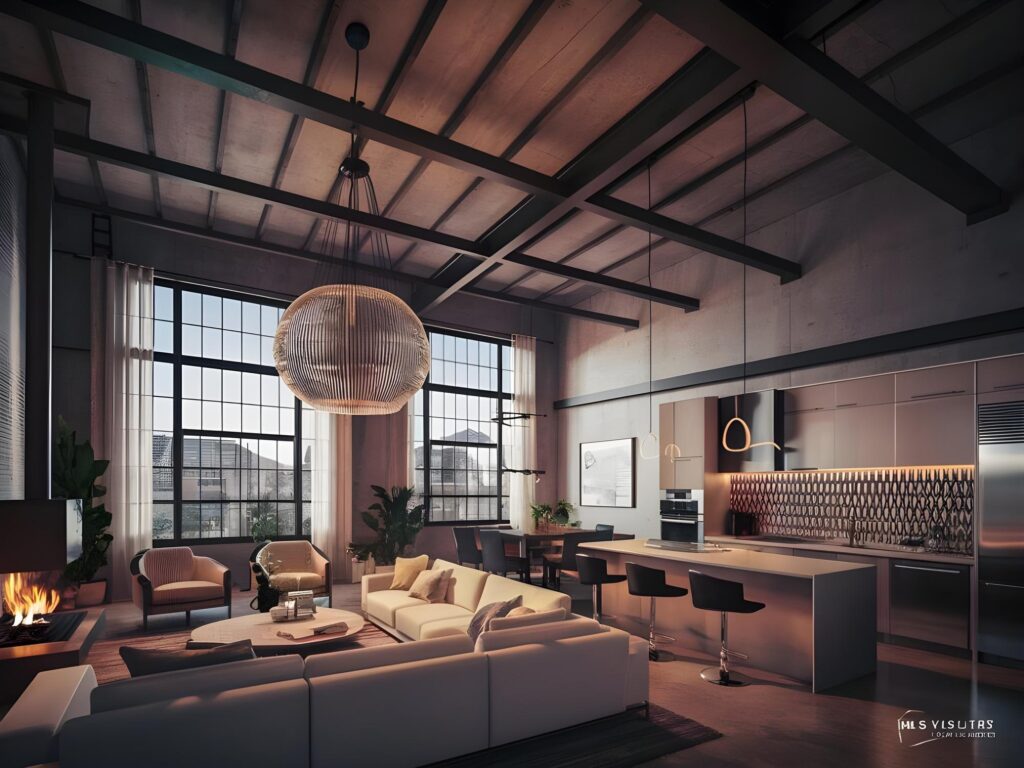
Creating Photorealistic Visuals with AI: A Step-by-Step Guide
Forget everything you know about slow, complicated rendering. You’re about to see how AI-powered rendering can turn your architectural visualization or real estate virtual staging projects into photorealistic visuals in minutes. This step-by-step guide shows how VizCloud’s tools make interior design rendering easy—even if you’re not a tech expert. Ready to bring your ideas to life faster? Let’s get started. For more tips, check out this guide.
Getting Started with AI-Powered Rendering
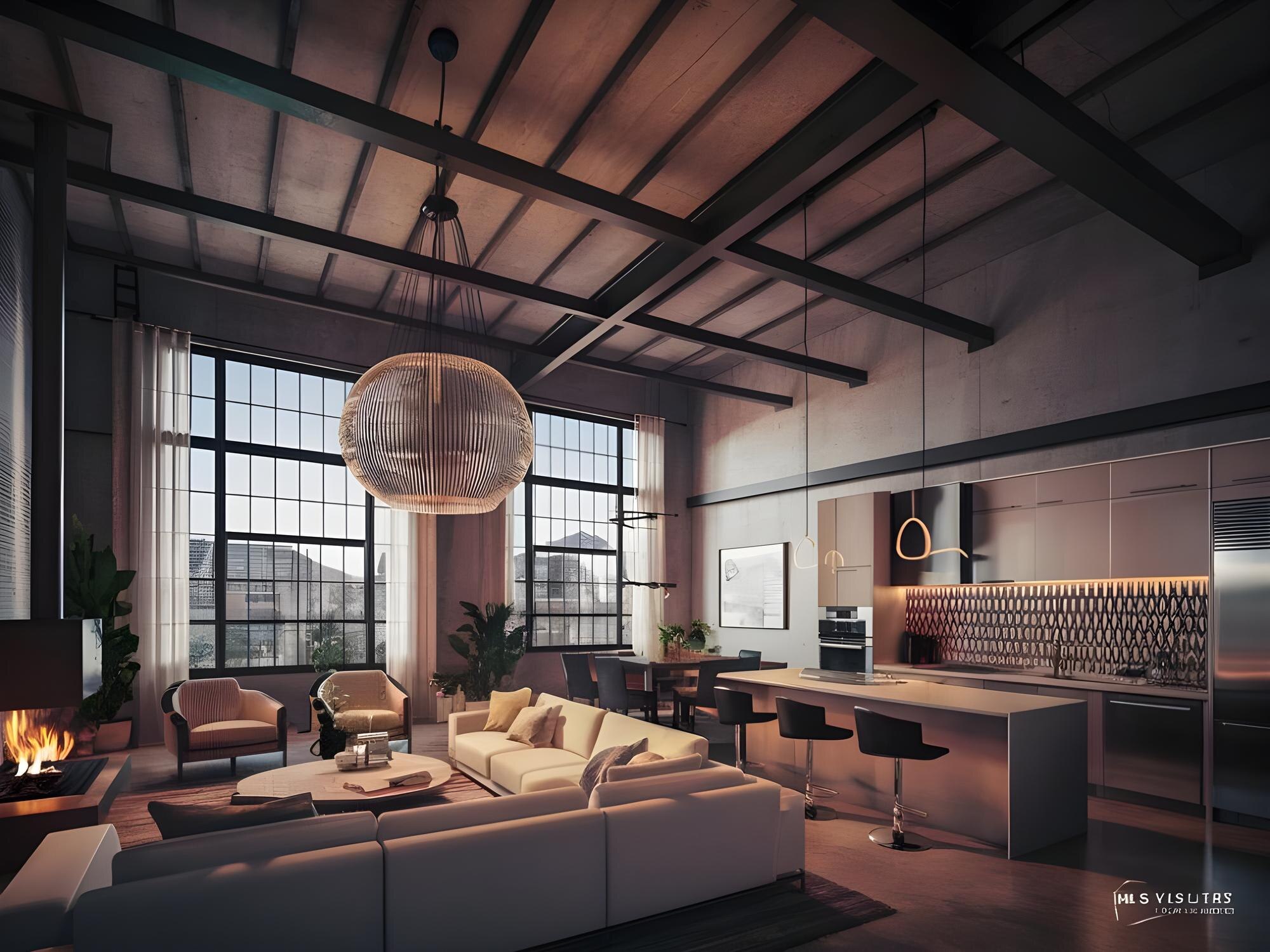
Let’s dive into the world of VizCloud and see how it simplifies rendering. You’ll soon discover how this platform is a go-to for quick, high-quality visuals.
What is VizCloud?
VizCloud is your new best friend in design, offering a suite of AI-powered tools tailored for architects, designers, and real estate agents. This platform turns your sketches into photorealistic visuals in seconds. No need for extensive training—just upload your project, and let the AI do the heavy lifting. Imagine presenting polished, professional-quality images without the wait. It’s fast, easy, and incredibly effective. Plus, with no downloads required, you can access VizCloud anywhere, anytime.
Setting Up Your First Project
Getting started with VizCloud is a breeze. First, create an account and log in. Once you’re in, you’ll find an intuitive interface that guides you through the process. Begin by uploading your sketches or 3D models. The platform’s secure system ensures that your files are safe at every step. Next, choose the rendering style that fits your project. Whether it’s a sleek modern look or a cozy, traditional vibe, VizCloud has you covered. Finally, hit render and watch as your ideas transform into stunning visuals in no time.
Creating Photorealistic Visuals
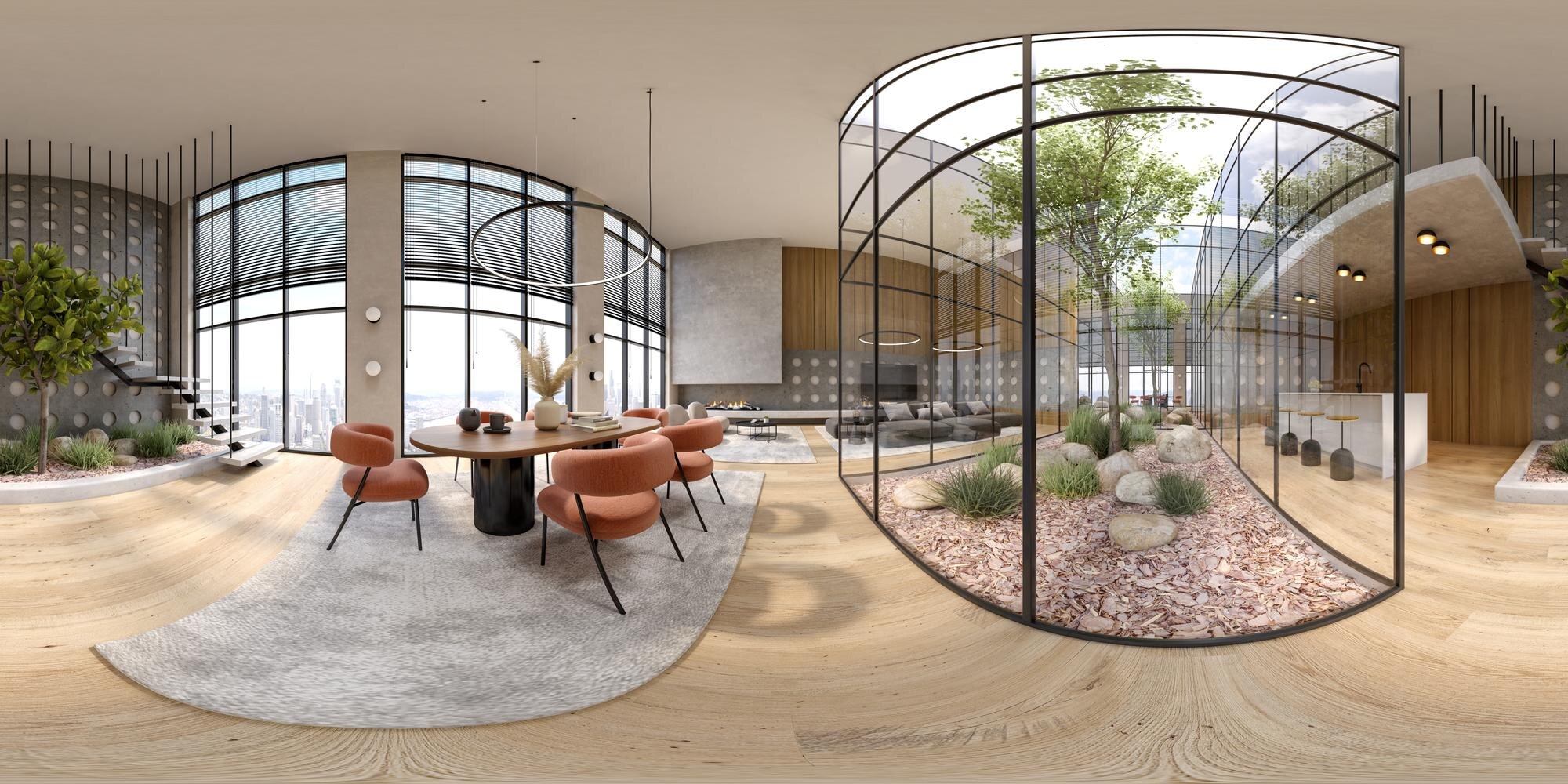
Now that you’re set up, let’s explore how VizCloud’s AI tools can enhance your designs. Ready to unlock new possibilities?
Exploring AI Tools
VizCloud’s AI tools are designed for simplicity and power. They take complex processes and break them down into easy steps. One standout feature is the AI-driven rendering engine, which processes your images to perfection. With just a click, you can apply different styles and effects that add depth and realism to your visuals. Need a hand with colors? The AI color enhancement feature optimizes hues and shades, making your designs pop. For more insights, check out this article.
Step-by-Step Visualization Process
Creating visuals with VizCloud involves just a few simple steps. First, upload your files. Then, select the desired rendering style. The AI analyzes your input, adjusting lighting and textures to create lifelike results. Finally, review and download your completed visuals. This streamlined process means no more waiting around or dealing with complicated software. Need more guidance? This resource provides additional tips.
Bringing Designs to Life
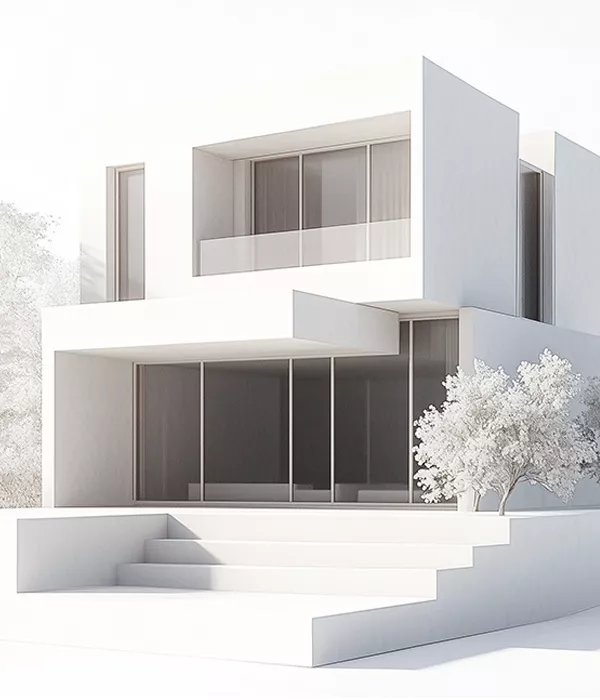
Discover how easy it is to bring architectural and interior design projects to life with VizCloud’s tools. You’ll wonder how you ever managed without it.
Architectural Visualization Tips
Architects, this one’s for you. Start by selecting your main focal points—these could be specific features or angles that highlight your design. Use VizCloud’s rendering to emphasize these elements, giving your clients a clear view of your vision. Focus on creating contrasts and shadows to bring out the details. This technique not only enhances visualization but also adds a professional touch. For a deeper dive, consider this guide.
Interior Design Rendering Secrets
For interior designers, the key is in the details. Use VizCloud to experiment with different textures and materials. The AI can simulate various fabrics and finishes, helping you choose the best fit. Play with lighting to see how it affects the mood of the space. Remember, small tweaks can make a big difference. Need some inspiration? Check this discussion.
🌟 Ready to make your ideas shine? Try VizCloud for free today! 🖼️
By using VizCloud, you’re embracing a tool that is both powerful and user-friendly. Transform your projects with ease and confidence. Dive in and experience the future of rendering.