
Introducing Viz Exterior 2.0, Viz Interior 2.0, and Viz Landscape
Simpler, Faster, and More Powerful Than Ever
We’ve been working on some major improvements behind the scenes, and this is one of the biggest updates we’ve released to date.
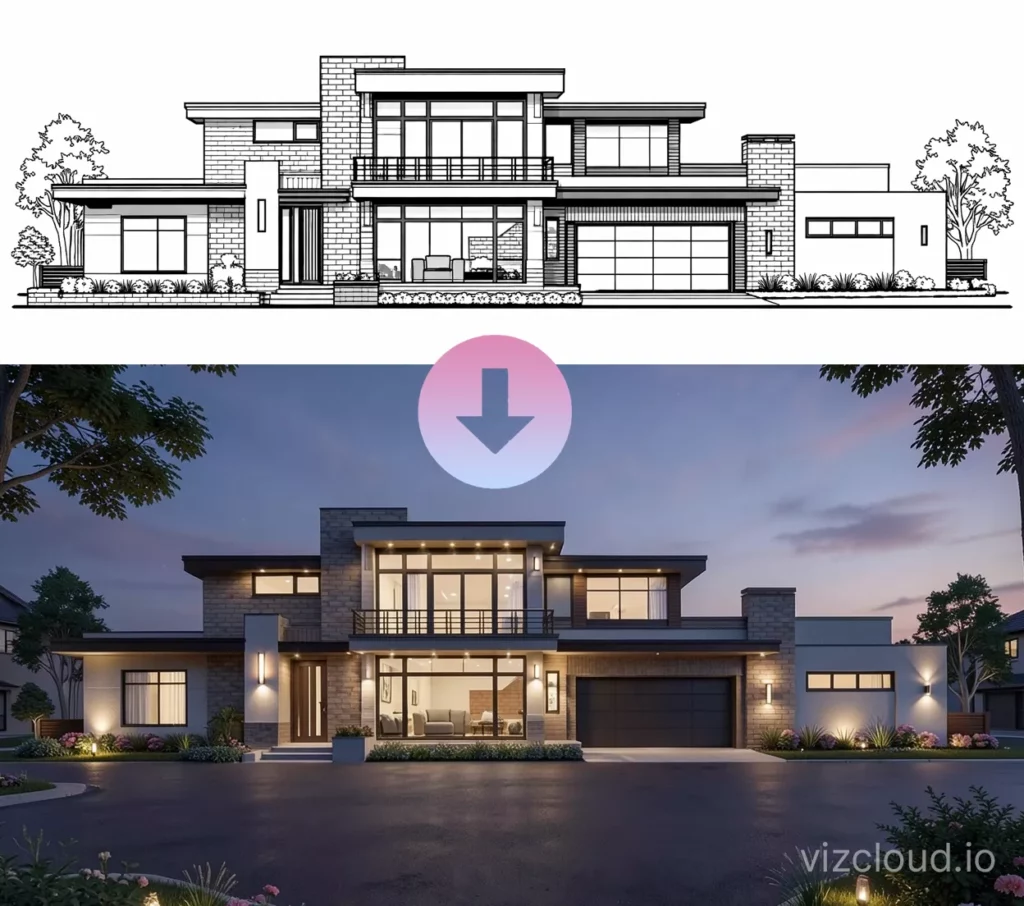
Today, we’re introducing Viz Exterior 2.0, Viz Interior 2.0, and our brand new Viz Landscape tool inside VizCloud. These updates are all built around one core idea: making architectural visualization as simple and intuitive as possible.
Viz Exterior 2.0 — A Completely Simplified Workflow
Viz Exterior 2.0 is a major upgrade to how exterior renderings are created.
Instead of relying on multiple settings and adjustments, everything is now controlled through a single prompt. You can upload anything—CAD elevations, sketches, 3D screenshots, or photos—and simply describe what you want to see.
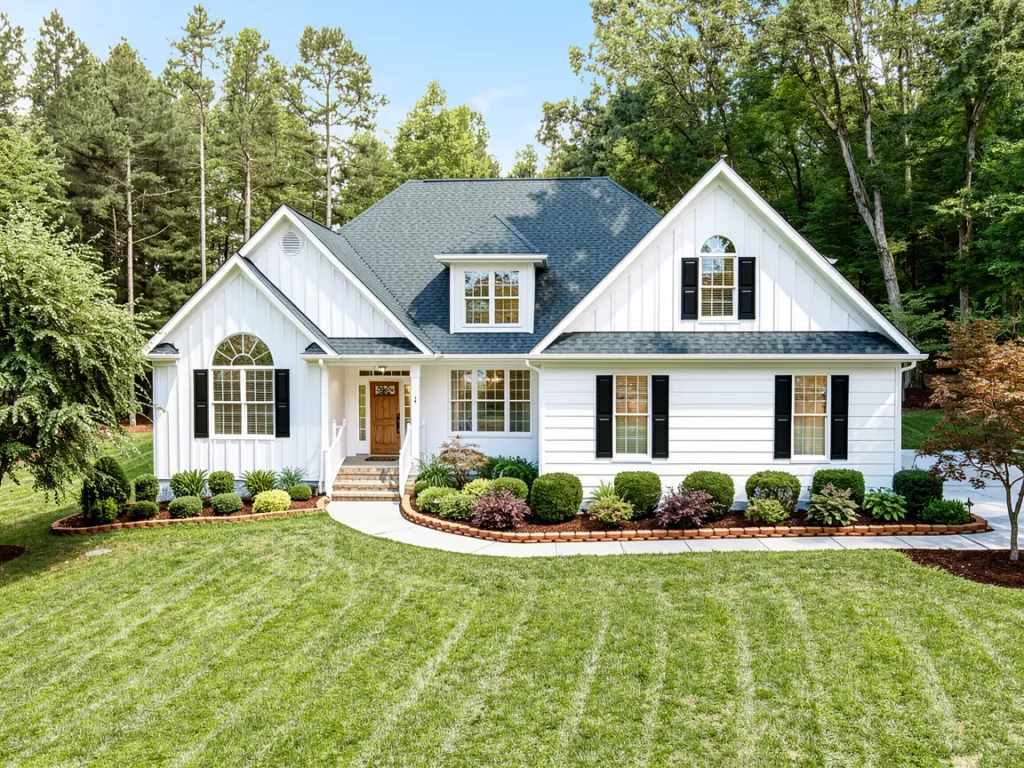
The platform interprets your input and generates a polished, realistic exterior rendering in seconds. Materials, lighting, landscaping, and overall style are all driven by your description, making the process much more natural and predictable.
The result is not just faster—it’s significantly easier to use, especially for anyone who doesn’t want to deal with traditional rendering workflows.
Viz Interior 2.0 — Designed Around How You Actually Work
Viz Interior 2.0 follows the same philosophy.
We removed unnecessary complexity and shifted everything to a prompt-based system. You upload an image of a room and describe the interior you want—style, furniture, colors, lighting—and the system takes care of the rest.
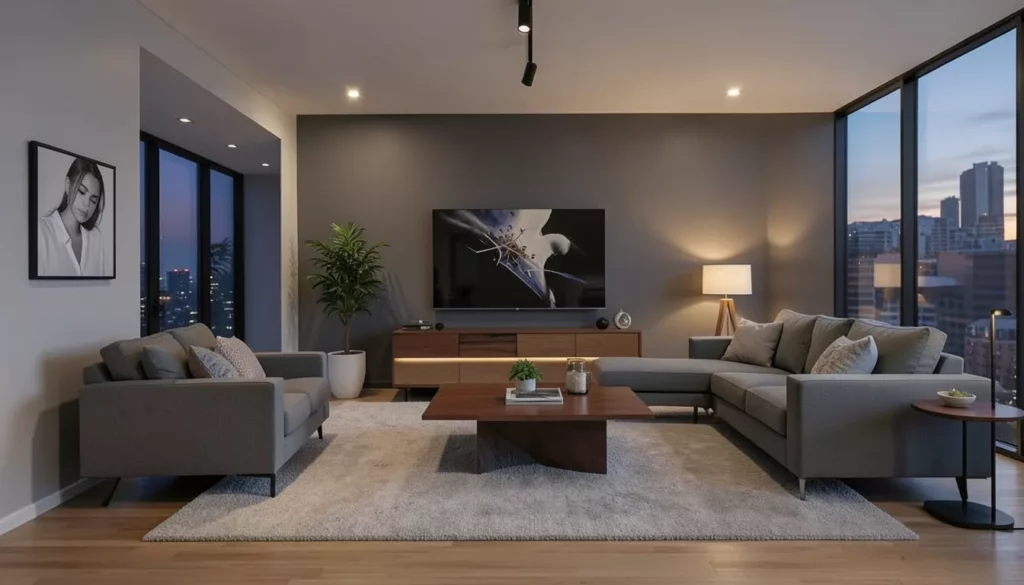
This creates a much smoother experience and produces more consistent results. Instead of tweaking settings, you can focus entirely on the creative direction, making it easier to experiment and refine ideas quickly.
Introducing Viz Landscape
Alongside these upgrades, we’re introducing an entirely new tool: Viz Landscape.
Viz Landscape allows you to instantly design and visualize outdoor environments. Starting from a simple image, you can generate fully realized landscaping concepts, from clean suburban layouts to more natural, organic designs.
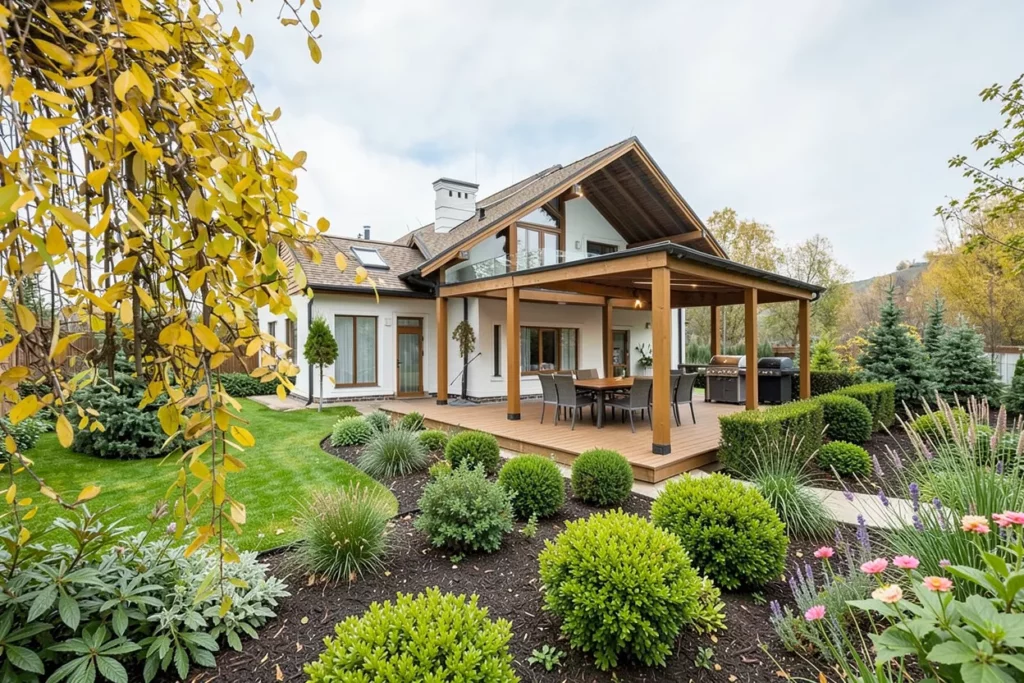
It adds a completely new dimension to visualization, making it easier to present full property concepts rather than just the structure itself.
One Simple System Across Everything
With these updates, we’ve unified the entire experience across VizCloud.
Everything now works the same way: upload your input, describe what you want, and generate results. There’s no need to learn different tools or workflows for interiors, exteriors, or landscaping.
This consistency makes the platform much easier to use while also making results more predictable and repeatable.
Why This Changes Everything
Traditional architectural rendering is still powerful, but it’s also time-consuming, expensive, and often requires specialized expertise.
With VizCloud, that barrier is removed. You can generate high-quality visuals in seconds, iterate instantly, and explore multiple design directions without committing significant time or resources.
It allows you to move faster, present ideas more clearly, and make decisions with confidence.
Try the New Experience
Viz Exterior 2.0, Viz Interior 2.0, and Viz Landscape are all live and ready to use.
If you’re already on VizCloud, you can start using them right away. If you’re new, this is the best time to jump in and see how simple architectural visualization can be.
Upload an image, describe your vision, and let VizCloud do the rest.