

AI Interior Design Generator: From Sketch to Photoreal in Minutes

Introduction
Client expectations for photorealistic interiors keep rising, yet rendering still eats days from already packed schedules. An AI interior design generator promises visuals in minutes instead of long production pipelines.
Traditional workflows mean juggling SketchUp files, CAD exports, plug‑ins, and hardware limits just to test a single idea. That slows proposals, delays approvals, and makes smaller firms feel stuck behind larger studios with in‑house visualization teams.
An ai interior design generator is an AI tool that turns photos, sketches, floor plans, or simple text into lifelike interior images without specialist software skills. This article explains how the technology works, what it can do for professional practice, how leading tools compare, and why VizCloud brings those capabilities into one accessible workspace.
“Clients rarely buy floor plans – they buy what they can picture themselves living in.” – Common real estate principle
Ready to move from rough sketch to client‑ready space in the same afternoon, not next week? Keep reading.
Key Takeaways
An ai interior design generator converts room photos, sketches, and 3D model screenshots into photorealistic renders in minutes. This replaces multi‑step rendering pipelines with a single upload and prompt. Professionals keep creative control while offloading the technical heavy lifting to AI.
AI virtual staging lets real estate professionals present fully furnished interiors without renting furniture or booking photographers. One vacant photo can become several styled versions, each aimed at a different buyer profile. That flexibility supports faster decisions and stronger marketing assets.
Output quality depends directly on prompt quality and input quality. Clear, technical prompts about materials, finishes, and layout guide the model toward usable designs. High‑resolution, well‑lit photos give the AI reliable spatial information instead of guesswork.
VizCloud offers interior rendering, style exploration, virtual staging, and refinement tools in a single platform. Design and real estate teams do not need to manage multiple subscriptions or learn complex 3D software. Everything runs in a browser with an interface built for non‑technical professionals.
AI design tools support trained designers instead of replacing them. Professionals still lead on space planning, building codes, client strategy, and material selection. AI speeds visualization and iteration so human expertise can focus on decisions that matter most.
What Is an AI Interior Design Generator and How Does It Work?
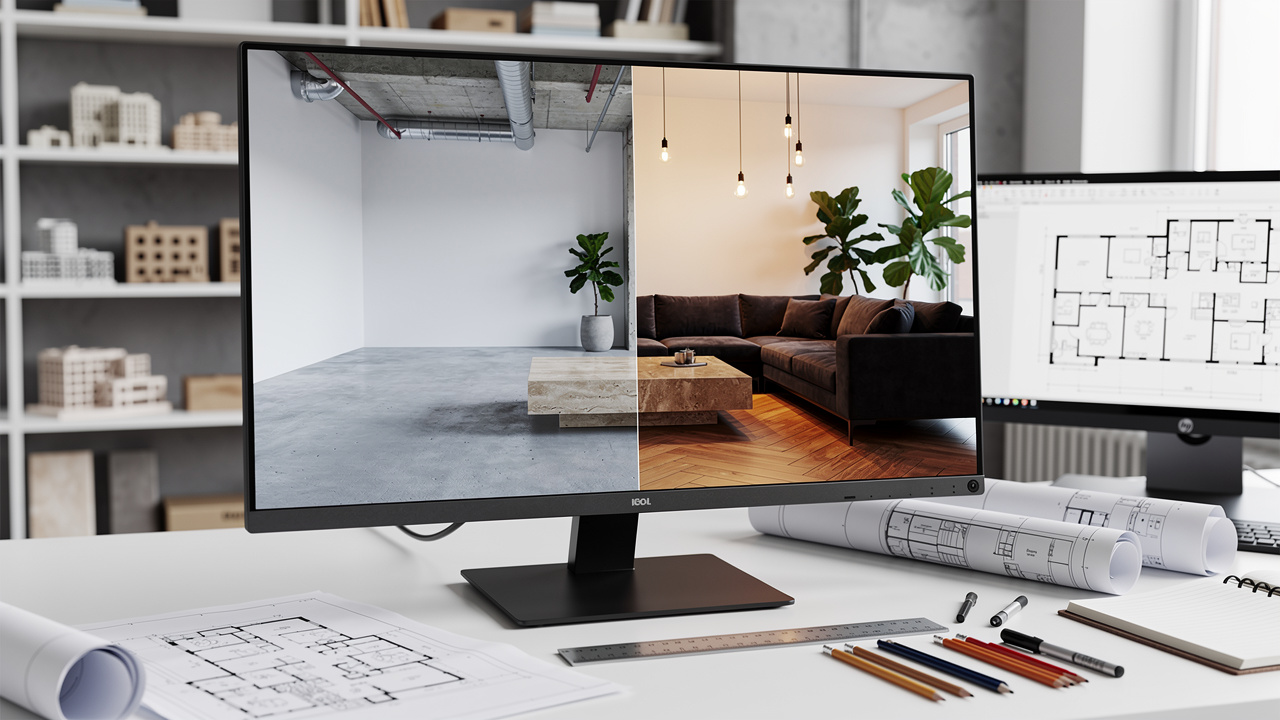
An ai interior design generator is software that uses artificial intelligence to turn images or text descriptions into realistic interior visuals. The tool reads a room photo, sketch, floor plan, or prompt, then produces a new version of that space in a chosen style, all without CAD skills.
Under the hood, most platforms rely on diffusion models similar to OpenAI’s DALL·E and Stability AI’s Stable Diffusion. These models start from digital noise and repeatedly refine it until a detailed image appears that matches the inputs. According to McKinsey, generative AI could add between 2.6 and 4.4 trillion US dollars in annual economic value, and design visualization is a clear part of that shift.
Natural language processing helps the system interpret prompts like “Scandinavian living room with light oak floors, white walls, and boucle sofa”. The model does not just apply a filter, it rebuilds the scene, placing furniture, lighting, and materials based on patterns learned from millions of examples. Computer vision components read the uploaded image, detect walls, windows, and fixed elements, then keep those in place while changing style and furnishings.
Some tools, including VizCloud, also use style libraries and reference fusion so a designer can point to a Pinterest image or mood board and ask the AI to echo that look inside a client’s real room. Understanding these mechanics helps professionals write better prompts, set realistic expectations about scale and detail, and explain to clients why AI images guide decisions but never replace construction documents.
What Can an AI Interior Design Generator Actually Do for Your Practice?
An ai interior design generator supports everyday work for architects, interior designers, technologists, and real estate teams by shortening the path from idea to clear image. The same core engine powers virtual staging, redesign, sketch‑to‑render workflows, and fast style exploration. Each use case connects directly to common project stages.
Key ways professionals use these tools include:
Real estate marketing. Virtual staging turns empty or outdated rooms into warm, furnished interiors aimed at target buyers. A single listing photo can become a contemporary, farmhouse, and luxury version in under an hour. According to RoomsGPT, more than two million users already rely on AI room tools, which shows how normal digital staging has become for online property listings.
Client concept presentations. Instead of showing abstract mood boards next to technical plans, designers can present a photorealistic view of the client’s actual room in the proposed scheme. That image makes it easier to explain choices around layout, sightlines, or finish combinations, which reduces the number of back‑and‑forth revisions before signoff.
Support for architectural technologists and BCIN designers. A marked‑up elevation, Revit screenshot, or quick 3D massing model can become a lighting‑aware interior view suitable for planning meetings. This helps non‑technical stakeholders understand intent without reading drawings.
Rapid multi‑style iteration. Instead of laboring over one perfect render, a designer can ask for five or ten style variations on the same room, adjust a few prompts, then keep only the options that match project goals. This compresses pre‑contract labor and helps small studios compete visually with larger firms that used to rely on full visualization teams.
How VizCloud Powers Every Stage of the Interior Design Workflow
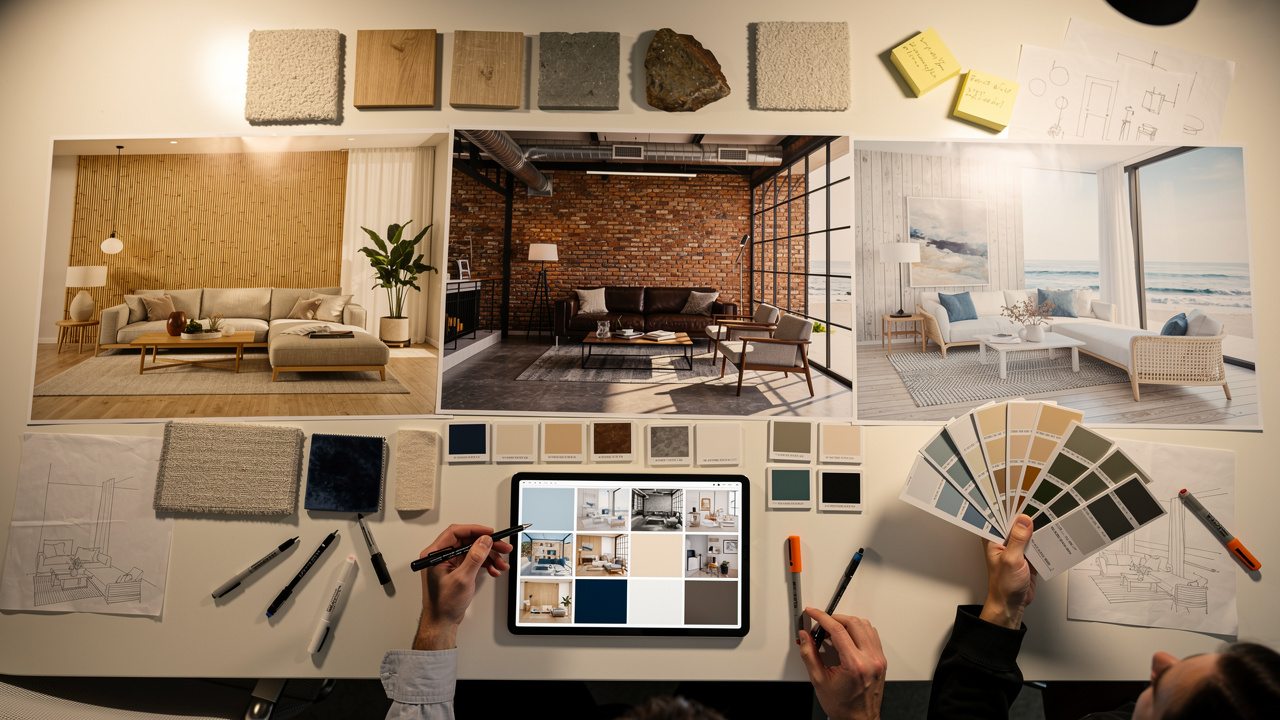
VizCloud brings these capabilities into one platform built for working professionals. The AI Interior Design Rendering Tool turns conceptual sketches, rough plans, and 3D model outputs into photorealistic rooms in minutes, removing the need for V‑Ray, Enscape, or dedicated render farms.
The Interior Style Generator makes style exploration simple by letting users move between modern, Scandinavian, industrial, and other looks with a single prompt. AI Virtual Staging focuses on real estate by furnishing empty rooms with realistic furniture and lighting so listings reach the market faster. According to the National Association of Realtors, nearly all home buyers now start their search online, which makes strong visuals non‑negotiable.
Because VizCloud also includes AI improve and edit tools inside the same interface, teams do not have to move files between apps for color correction or small layout changes. Everything runs from a browser workspace with clear controls, so architects, interior designers, and agents at any technical level can produce client‑ready interiors without extra software training.
How Do Leading AI Interior Design Tools Compare?

AI interior design platforms now span quick consumer apps and heavy professional systems, and each suits different workflows. Design leaders need a clear view of where all‑in‑one tools like VizCloud sit relative to focused options such as HomeVisualizerAI or Foyr Neo. This comparison highlights strengths without overselling any platform.
According to Gartner, over 80 percent of enterprises plan to use generative AI in some form, so choosing the right visualization stack matters more each year. The table below summarizes six well‑known tools based on who they serve best, standout abilities, and how pricing is usually positioned in public reviews.
| Platform | Best For | Standout Feature | Starting Price* |
|---|---|---|---|
| VizCloud | Architects, interior designers, real estate pros needing one workspace | All‑in‑one interior rendering, staging, style, and editing with no 3D software learning curve | Transparent, affordable plans on VizCloud site |
| HomeVisualizerAI | Design pros and advanced enthusiasts | Inspiration image fusion plus creativity control slider for conservative or bold outputs | Around 12 dollars per month from public listings |
| VisualizeAI | Designers needing granular control | Negative prompts that let users exclude specific items or materials from renders | Around 19 dollars per month after trial |
| RoomsGPT | Quick style experiments and homeowner exploration | Simple upload and preset style system used by millions worldwide | Core features available free |
| Foyr Neo | Larger studios and enterprises needing product‑accurate 3D | Integrated CAD‑like tools with large real product library | Public plans listed between 59 and 159 dollars per month |
| ArchVinci | Professionals with sketches but limited 3D skills | Sketch and screenshot to photoreal render without complex modeling | Pricing details vary in third‑party reviews |
*Pricing reflects information from vendor sites and major review platforms at the time of writing.
What stands out is how few tools combine interior rendering, virtual staging, style control, and edit features in one browser workspace. Foyr Neo focuses on full 3D environments, RoomsGPT keeps controls minimal, and ArchVinci excels at sketch‑to‑render. VizCloud positions itself between those extremes, giving professional‑grade visuals without heavy software or hardware, which is particularly helpful for small and mid‑size practices.
How to Get the Best Results From an AI Interior Design Generator
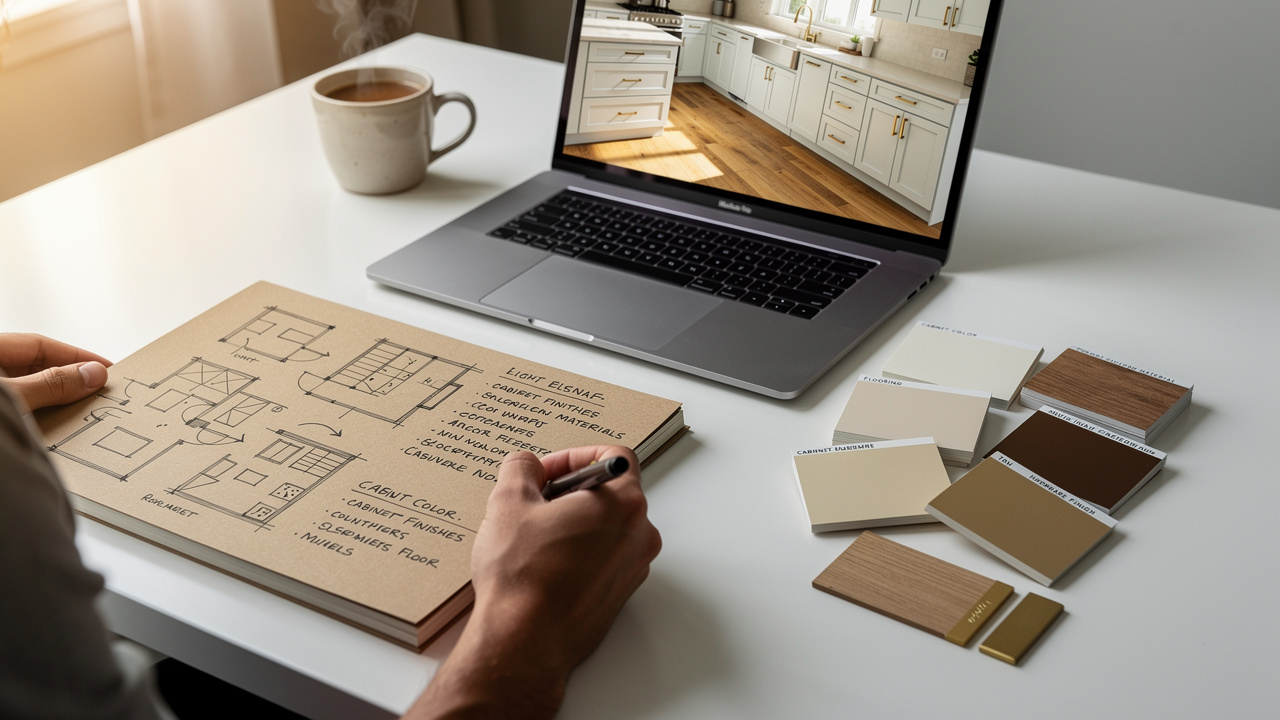
Any ai interior design generator works best when professionals treat it as a skilled assistant instead of a one‑click magic button. The quality of prompts, images, and tool choice has more impact on results than the brand name on the interface. Clear processes lead to faster, more reliable renders.
Write precise, technical prompts instead of broad style labels. Rather than asking for a “modern kitchen”, describe “transitional kitchen with white shaker cabinets, warm white quartz counters, brushed brass pulls, and wide plank oak floors”. This gives the model concrete targets. Over time, saving favorite prompts as templates keeps results consistent across projects and teams.
Provide high‑resolution, well‑lit input images so the AI can read the space correctly. Photos shot at eye level with minimal distortion help the model keep walls vertical and proportions believable. Clean up clutter where possible so the system does not waste capacity interpreting random objects. According to Nielsen Norman Group, clear visuals support faster user understanding, and the same logic applies to AI input images.
Use negative prompting when a platform supports it to block unwanted elements. Instructions like “no ceiling fan, no open shelving, no gray flooring” prevent the AI from falling back on generic choices that do not match the brief. Tools such as VisualizeAI lean heavily on this feature, but the approach helps in any system that accepts exclusions.
Match the tool to the current project stage instead of forcing one app to do everything. VizCloud works well for concept presentations, virtual staging, and polished client packages where photorealism and speed both matter. ChatGPT by OpenAI helps with brainstorming palettes or writing detailed prompts. RoomsGPT and similar tools support casual style tests and quick experiments.
“The clearer your brief, the better your render.” – VizCloud team guidance
Designers should still treat AI images as concept‑level views, not construction documents or final specifications. Models can bend geometry, misread material joints, or invent fixtures that do not exist in any catalog. Clear communication with clients about what AI can and cannot guarantee keeps trust high while still taking advantage of faster visualization.
Start Creating Beautiful Spaces in Seconds
Modern ai interior design generator tools turn slow, specialist rendering into a quick, everyday part of design and real estate work. Photorealistic interiors now arrive in minutes, so visual storytelling can keep pace with client conversations and tight timelines.
Platforms from HomeVisualizerAI to Foyr Neo show how fast this field is moving, yet many still ask for heavy software or narrow use cases. VizCloud focuses on the everyday needs of architects, interior designers, technologists, and agents by placing interior rendering, style exploration, staging, and editing in one accessible browser workspace.
According to OpenAI, hundreds of millions of people now use generative AI tools, which means clients already expect smarter visuals. This is a strong moment to test an integrated platform, feed it a favorite sketch or listing photo, and experience how quickly it can become a client‑ready interior image.
Frequently Asked Questions
These answers address common questions professionals raise when they first add AI design tools to their workflow. Each one stands alone so it can be shared with colleagues or clients who are new to the topic.
Question 1: Is an AI interior design generator accurate enough for professional client presentations?
Yes, modern tools are accurate enough for concept‑level client presentations. They provide photorealistic views that communicate layout, mood, and material intent clearly. Designers should pair these images with plans, specifications, and professional judgment before any construction or purchasing decisions. VizCloud outputs are designed specifically for this kind of client‑facing use.
Question 2: Do I need design software experience to use an AI interior design tool?
No, most current platforms do not require CAD or 3D modeling experience. Interfaces focus on uploads, simple prompts, and style choices rather than technical controls. VizCloud in particular is built so architects, interior designers, and agents at any skill level can produce strong visuals through a browser.
Question 3: How long does it take to generate an AI interior design render?
In most tools, renders appear within seconds to a few minutes, depending on image size and requested detail. This is a major change from traditional workflows that could take days. VizCloud focuses on minutes‑not‑days turnaround so visuals keep pace with active client conversations.
Question 4: Can AI interior design generators replace a professional interior designer?
No, AI cannot replace trained designers. The tools lack understanding of building codes, ergonomics, budgets, and nuanced client needs. They simply create fast visuals based on patterns in data. Human expertise still guides space planning, material selection, and every final decision.
Question 5: What types of inputs do AI interior design generators accept?
Most platforms accept photographs, hand sketches, floor plans, 3D model screenshots, and plain text prompts. Some also support reference images that guide style. Higher resolution, well‑lit photos usually produce more realistic and spatially accurate results, which is why professional photographers and good site documentation still matter.