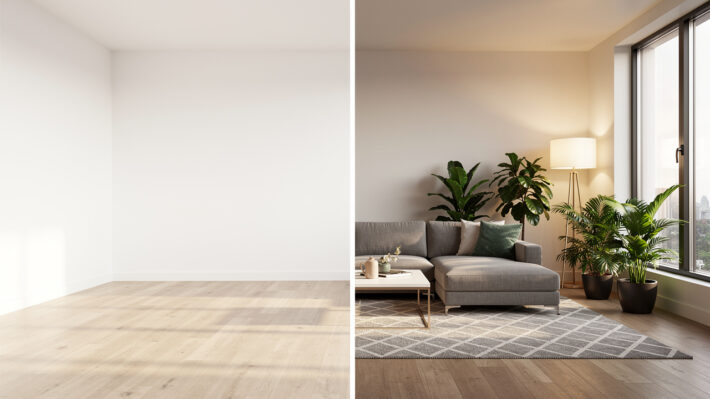

AI Interior Design: Fast Photorealistic Room Visuals
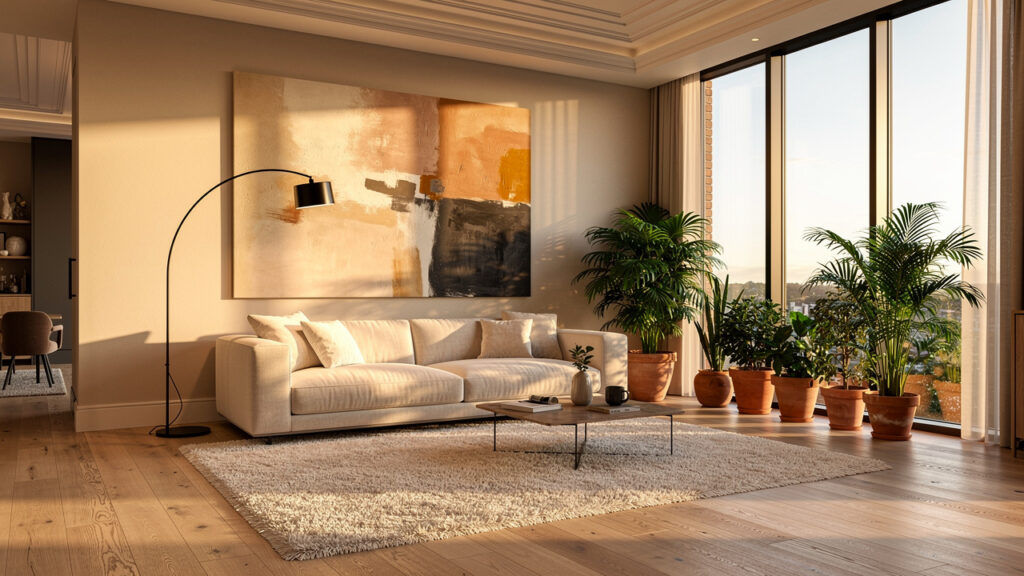
Introduction
Project timelines rarely leave room for slow renders or confusing client visuals.
Traditional rendering tools demand time, training, and expensive hardware that many smaller teams cannot justify.
AI interior design uses artificial intelligence to turn room photos, sketches, or 3D models into photorealistic interiors within minutes. For architects, interior designers, and real estate professionals, that means concept to client visuals without V-Ray, Lumion, or Enscape skills. This article explains how AI reshapes interior workflows, why it beats old pipelines, and how VizCloud brings rendering, staging, styling, refining, and editing into one seamless platform.
“Every room should tell a story.” — Kelly Wearstler, Interior Designer
If faster approvals and clearer presentations matter, the next sections show how to get there.
Key Takeaways
AI interior design cuts rendering time from days to minutes. You supply a photo, sketch, or model, and the system returns a photorealistic idea ready to show clients.
Modern tools remove long software learning curves. You no longer need V-Ray, Lumion, or Enscape skills. VizCloud lets design teams stay focused on design decisions instead of menus.
One platform can stage, restyle, refine, and edit interiors. Speed sits beside high realism instead of competing with it. VizCloud gives independents and small firms visuals that once needed large visualization teams.
What Is AI Interior Design And How Does It Work?
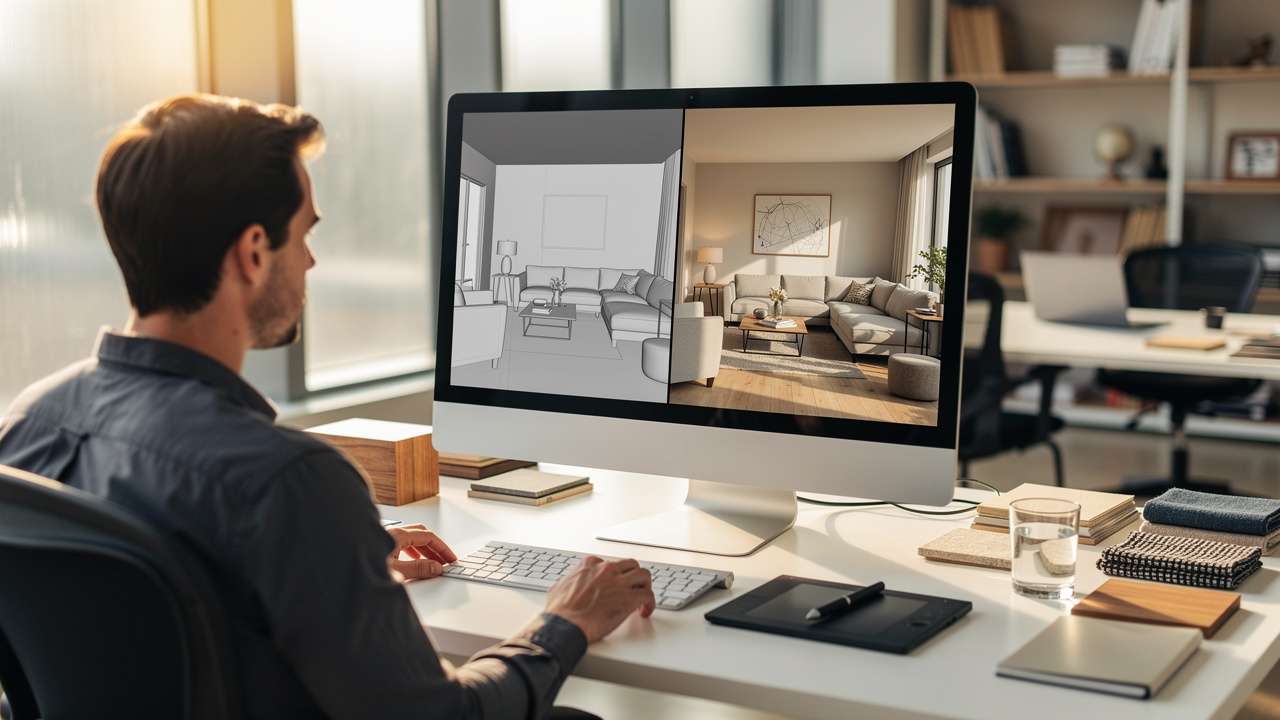
AI interior design is the use of artificial intelligence to generate, restyle, and stage interior spaces automatically. The software reads a room image, sketch, or 3D model and returns a new view aligned with the desired style and function. For design professionals, it feels like a fast visualization assistant that expands options instead of replacing design judgment.
Behind the scenes, these platforms combine computer vision, generative image models, and language models:
Computer vision identifies walls, floors, windows, and furniture inside a photo from an iPhone or DSLR.
Generative models create new materials, layouts, and lighting based on that structure.
Language models interpret prompts such as “warm modern living room with light oak floors and black metal accents.”
The workflow is straightforward. A designer uploads a SketchUp model, Revit export, floor plan, or plain room photo. The AI reads the geometry and perspective, applies learned patterns from millions of reference interiors, and returns a photorealistic view in seconds. Research from Houzz shows that more than 70 percent of design firms see 3D visualization as very or extremely important for winning projects, which is exactly where AI visuals add value.
For teams used to relying on V-Ray, Lumion, Enscape, or Twinmotion specialists, AI interior design compresses that entire chain. Tools such as VizCloud, Foyr Neo, ArchVinci, and RoomsGPT show that a process once reserved for dedicated visualization staff can now run in the browser with almost no setup time.
Why AI Interior Design Outperforms Traditional Rendering Workflows
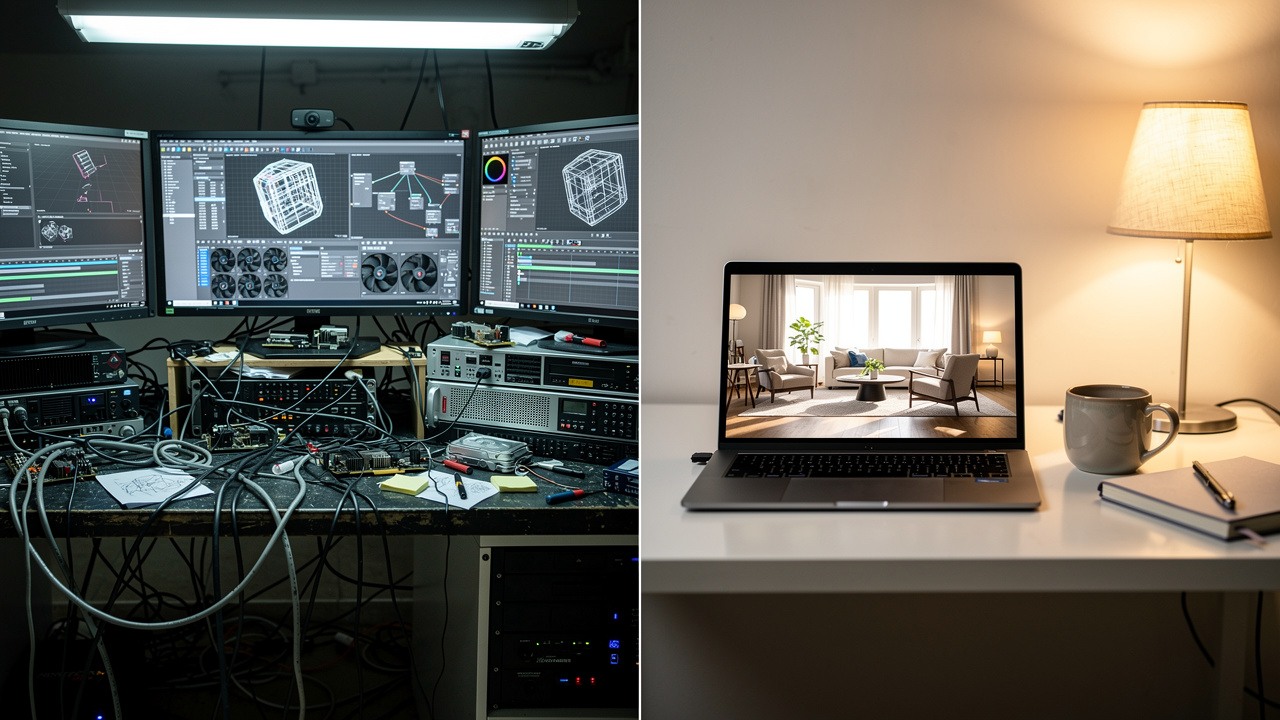
AI interior design beats traditional rendering workflows on cost, speed, and flexibility. Instead of long queues and hourly rendering fees, teams get near-instant visuals they can revise as often as needed. For busy studios and solo designers, that change affects how many options they can realistically present.
Industry reports from platforms such as Foyr Neo show that automated visualization can cut rendering expenses by as much as 80 percent compared with outsourced CGI or full 3D workflows. A study by McKinsey found that generative AI can reduce time spent on some creative tasks by up to 60 percent, which mirrors what many interiors teams experience when they move away from manual rendering.
Speed matters just as much. Many AI tools, including VizCloud, HomeVisualizerAI, and Spacely, return new room versions in 5 to 30 seconds. That pace makes it realistic to test ten kitchen layouts or three living room styles during a single client meeting. Traditional pipelines that rely on AutoCAD, SketchUp, and offline render engines rarely allow that level of exploration.
Here is how the two approaches compare in practice.
| Aspect | Traditional Rendering | AI Interior Design |
|---|---|---|
| Turnaround | Hours or days per view | Seconds or minutes per view |
| Skills Needed | Specialist in V-Ray, Lumion, or Enscape | Basic upload and prompt skills |
| Iteration Cost | Each change adds time and fees | Extra versions are usually low cost |
For interiors professionals who win work through clear visuals, this difference directly affects revenue and client satisfaction.
“Clients don’t pay for render time; they pay for clarity of vision.” — Senior Interior Designer, Toronto
How VizCloud Turns Any Room From Concept To Client-Ready Visual
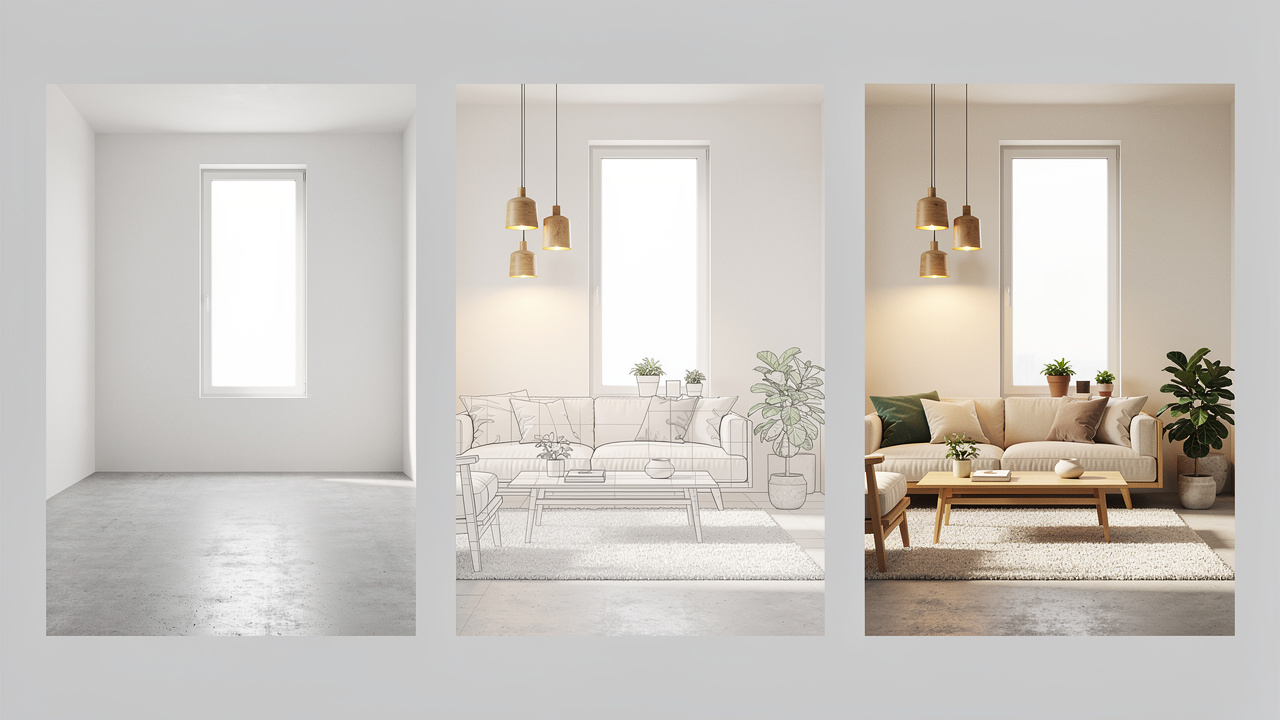
VizCloud uses AI interior design to take a room from rough idea to client-ready visual in a single online workspace. The platform accepts sketches, room photos, and 3D models, then generates photorealistic interiors without heavy software or render farm hardware. For architects, interior designers, BCIN designers, and real estate agents, it replaces a stack of tools with one focused environment.
A typical project can start from a quick SketchUp massing model or a simple plan markup. VizCloud’s rendering engine reads the geometry, applies realistic lighting, and produces an interior view that already feels close to a finished marketing image. Instead of exporting to external tools like V-Ray or Twinmotion, teams stay inside the same interface.
From there, the staging and styling features change a bare space into a furnished, on-brief interior. Empty condos gain sofas, rugs, and art for listing photos. Concept offices get several alternative furniture layouts for stakeholder reviews. Because VizCloud handles rendering, staging, and restyling in one place, designers avoid the file juggling common with services such as BoxBrownie or RoOomy.
Pricing is set up for independents and small-to-medium firms, not only enterprise studios. That means a BCIN designer working on permit drawings, a real estate team managing multiple listings, and a boutique interiors studio can all use the same platform. VizCloud sits alongside platforms such as mnml.ai, rerenderai.com, archsynth.com, and myarchitectai.com, but focuses on a full professional workflow that stays approachable for everyday projects.
What VizCloud’s Core Tools Do For Your Workflow
VizCloud groups several core tools into one workspace so teams can move from rough idea to polished interior without jumping between apps:
AI Interior Design Rendering turns conceptual sketches, rough drawings, or 3D models into photorealistic interiors within minutes. You upload the source file, choose a style direction, and VizCloud handles lighting, materials, and finishes. This helps teams move from line work to emotional visuals far earlier in the process.
Interior Staging Tool takes empty or under-furnished rooms and fills them with appropriate furniture and decor. Real estate agents can show how a vacant loft, builder model, or dated rental might look after a refresh. Designers can prepare before and after views that make value clear to clients and investors.
Style Tool lets users swap design aesthetics and material palettes instantly. A living room can move from Scandinavian to Mid-Century or Traditional within the same base layout. This shortens client approval cycles because people see several credible options side by side instead of guessing from mood boards.
Image Refinement Tool upgrades existing renders or room photos to presentation grade. If a firm already has Enscape exports, VizCloud can add realism, clean noise, and polish lighting. This avoids rerendering entire projects from scratch just to achieve a higher quality finish.
Edit Tool supports targeted visual changes without rebuilding the scene. You can adjust materials, swap a sofa, or clean up distracting items while keeping the rest of the image intact. That approach trims revision loops that would otherwise trigger new 3D work.
SketchUp And 3D Model Integration connects directly with tools architects and technologists already use. SketchUp models and other common 3D formats can flow straight into VizCloud for rapid interior rendering. This gives professionals a shorter path from BIM or modeling platforms like Revit and AutoCAD to client-ready imagery.
Who Benefits Most From AI Interior Design Tools?

AI interior design tools bring the biggest gains to professionals who sell ideas visually. When those visuals appear faster and at lower cost, teams can bid on more work, present more options, and support decisions earlier. VizCloud lines up particularly well with several groups inside the built environment.
Interior Designers And Small Studios gain the ability to present polished concepts during the first or second client meeting. They can show three kitchen directions or multiple living room layouts without hiring a rendering vendor. This helps smaller firms compete with larger studios that already have in-house visualization staff.
Architects, BCIN Designers, And Architectural Technologists can turn SketchUp or Revit interiors into realistic views long before construction starts. Those images help with planning approvals, zoning conversations, and internal design reviews. Because VizCloud does not require specialist render training, senior staff can review design options directly.
Real Estate Agents And Property Marketers replace expensive physical staging with virtual staging that takes minutes. According to the National Association of Realtors, more than 80 percent of buyers’ agents say staged photos make it easier for clients to visualize a property as a future home. Using VizCloud, a vacant listing can show several furnishing styles without logistics or rental fees.
Small-To-Medium Design Firms standardize their visualization process across teams. Instead of each designer relying on a different mix of Enscape, Photoshop, and outside vendors, everyone can move through a shared VizCloud workflow. That consistency strengthens branding and reduces training time for new hires.
Lofty Goals, Real Results: Getting The Most Out Of AI Interior Design

Getting strong results from AI interior design depends on how well inputs and prompts are prepared. A clear photo and a precise description reliably produce better renders than a dark snapshot and a vague request. With a bit of discipline, teams can raise output quality across every project.
Consider these practical habits:
Start With Thoughtful Photography
Shoot from a room corner to include as much floor, ceiling, and wall area as possible, and remove clutter that will confuse the model. Good natural light, even from a smartphone, helps tools like VizCloud, REimagine Home, or Decorilla read depth and surfaces correctly.Use Clear Design Language In Prompts
Instead of “modern bedroom,” try “soft modern bedroom with white oak floors, low-profile platform bed, and linen drapery.” AI responds well to that kind of specificity, and ChatGPT from OpenAI can even help refine prompts if you describe your design intent in plain language.Treat Early Renders As Concept Starters
Adjust only one variable between versions, such as style, color palette, or furniture density, so you can read the effect of each change. According to McKinsey, teams that combine structured iteration with generative tools see much higher productivity gains than those who use AI in a casual way.
Tip: Save prompt “recipes” that work well on one project and reuse them as starting points on the next. Over time, this builds a studio prompt library that keeps results consistent.
Final Thoughts: AI Interior Design Is The New Standard For Design Professionals
AI interior design has moved from experiment to daily practice for many studios. Faster visuals, lower costs, and more design variations are turning into real competitive advantages in client pitches and marketing. Platforms that connect directly with modeling tools and keep the workflow simple now set the baseline.
Teams that treat AI as a partner rather than a shortcut see the strongest gains: they keep design thinking at the center while offloading time-consuming rendering steps to the software.
Conclusion
VizCloud brings that new standard into one focused platform for architects, interior designers, BCIN designers, and real estate professionals. It replaces complex software stacks with a clear path from sketch or model to polished interior imagery. For teams ready to shorten timelines and win work with better visuals, trying a project inside VizCloud is a straightforward next step.
Frequently Asked Questions
Question 1: Can AI Interior Design Tools Work With SketchUp Models, Not Just Room Photos?
Yes, many AI platforms accept SketchUp and other 3D model formats along with photos. VizCloud connects directly to SketchUp and common model exports, so interiors can be rendered even before spaces are built or photographed. This helps architects and technologists present ideas much earlier in a project.
Question 2: How Accurate Are AI-Generated Interior Renders For Professional Client Presentations?
Well-prepared inputs produce AI renders that are accurate enough for client presentations and planning discussions. Spatial alignment and material detail still need professional review, just like any visualization. VizCloud is tuned for presentation and approval use, so outputs hold up well alongside traditional 3D visuals.
Question 3: Is AI Interior Design Software Replacing Professional Interior Designers?
No, AI interior design tools are not replacing interior designers. They speed up the visualization and ideation phases by handling repetitive rendering tasks. Designers still define layout, code compliance, ergonomics, materials, and project strategy. VizCloud simply gives those professionals faster, clearer ways to show their ideas.
Question 4: How Much Does AI Interior Design Software Typically Cost?
Costs range from free or low-cost consumer tools to professional suites that run over fifty dollars per user each month. Some platforms also bill per render. VizCloud uses transparent, affordable pricing built for independents and small-to-medium firms, so teams can plan visualization costs instead of guessing.
Question 5: What Types Of Rooms And Spaces Can AI Interior Design Tools Handle?
Modern AI interior design tools support most common residential and light commercial spaces. That includes living rooms, bedrooms, kitchens, bathrooms, dining rooms, and home offices, plus lobbies and small retail interiors. VizCloud is designed to work across this full range, which lets firms reuse one platform for many project types.