

AI Architecture Generator: From Prompt to Photorealistic Render
Introduction
The client presentation is tomorrow, and the final render still is not done. The in‑house machine has been chewing on it for hours, or the outsourced studio just sent a draft that needs another round of changes. Deadlines feel tight, and there is not much room for real design exploration. This is where an AI architecture generator can change the pace of your day.
An AI architecture generator is a tool that turns text prompts, sketches, or 3D models into polished visuals with artificial intelligence. Instead of waiting days, you type a short brief or upload a file and get a photorealistic view in minutes. Architects, interior designers, BCIN designers, technologists, and real estate teams are already weaving these tools into their workflows to move from idea to image much faster and test several options without burning extra hours.
VizCloud sits right in the middle of that shift. It gives you fast AI rendering, from exteriors and interiors to virtual staging, all inside one platform that does not require expert‑level 3D skills. In this article, you see why AI architecture generators matter, how the process works step by step, how to write strong prompts, which tools are worth a look, and where VizCloud fits in. By the end, you are ready to go from concept to client‑ready render fast, with a clearer sense of how AI can support real project work.
“Architecture should speak of its time and place, but yearn for timelessness.” — Frank Gehry
Clear visuals help clients feel that balance long before construction begins.
Key Takeaways
These points give a quick snapshot before you dive deeper into AI architectural rendering.
An AI architecture generator turns sketches, models, or text briefs into photorealistic renders in minutes. This speed cuts long waits from your workflow and makes room for fast client feedback on real visuals. You can move from rough idea to strong option while the project is still flexible and decisions are not locked in.
You do not need advanced design software skills to use an AI architecture generator. Simple prompts and uploads are enough to create professional images for presentations, planning approvals, and listings. A platform like VizCloud brings exterior, interior, staging, and editing tools together in one place so non‑specialists can still create impressive visuals.
Choosing the right AI architecture generator for each project phase helps you work smarter. Use creative tools for early ideas, then switch to a focused renderer such as VizCloud for final, client‑ready images. AI rendering is now a practical standard for design and real‑estate professionals who want to stay competitive and present clear visuals at every stage.
Why AI Architecture Generators Are Changing The Design Industry
Traditional rendering acts like a traffic jam in many offices. Whether you send work to a visualization studio or run heavy 3D software yourself, a single image can take hours or even days. That delay slows client approvals, makes iteration painful, and often pushes real design thinking late in the process.
Cost creates another barrier. Outsourced renders that start around $250 per image make frequent changes hard to justify, especially for small and mid‑sized firms. Even when you keep rendering in‑house, the time senior staff spend tweaking materials and lighting has a real price. In contrast, a subscription to an AI architecture generator often costs less than a single outsourced render while giving you many images each month.
Software expertise is a third hurdle. High‑end 3D tools demand deep technical skill that many architects, interior designers, and real estate agents do not have time to gain. An AI architecture generator cuts through that issue. With a clear prompt or an uploaded model, people across your team can create strong visuals without becoming full‑time 3D artists.
You also see benefits across everyday collaboration:
Faster approvals: When you can show three façade options in a few minutes, clients react to images instead of vague descriptions.
Better early feedback: Visuals make it easier for clients to flag what they like and dislike while major choices are still open.
Clearer marketing assets: Real‑estate teams gain listing images and staged interiors early, long before final photography is possible.
More design exploration: When extra renders cost only a bit more time, it feels natural to test several massing, material, or lighting options.
More firms each year treat AI architectural rendering as standard rather than an experiment, because it helps win work, explain ideas, and keep schedules under control.
How An AI Architecture Generator Works — Step By Step
An AI architecture generator might sound complex, but the flow is simple once you see it. You start with a concept, tell the system what you want, then refine what it gives back. The goal is to move from rough idea to render fast, without wrestling with complicated software.
From Sketch To Photorealistic Render: The Core Workflow
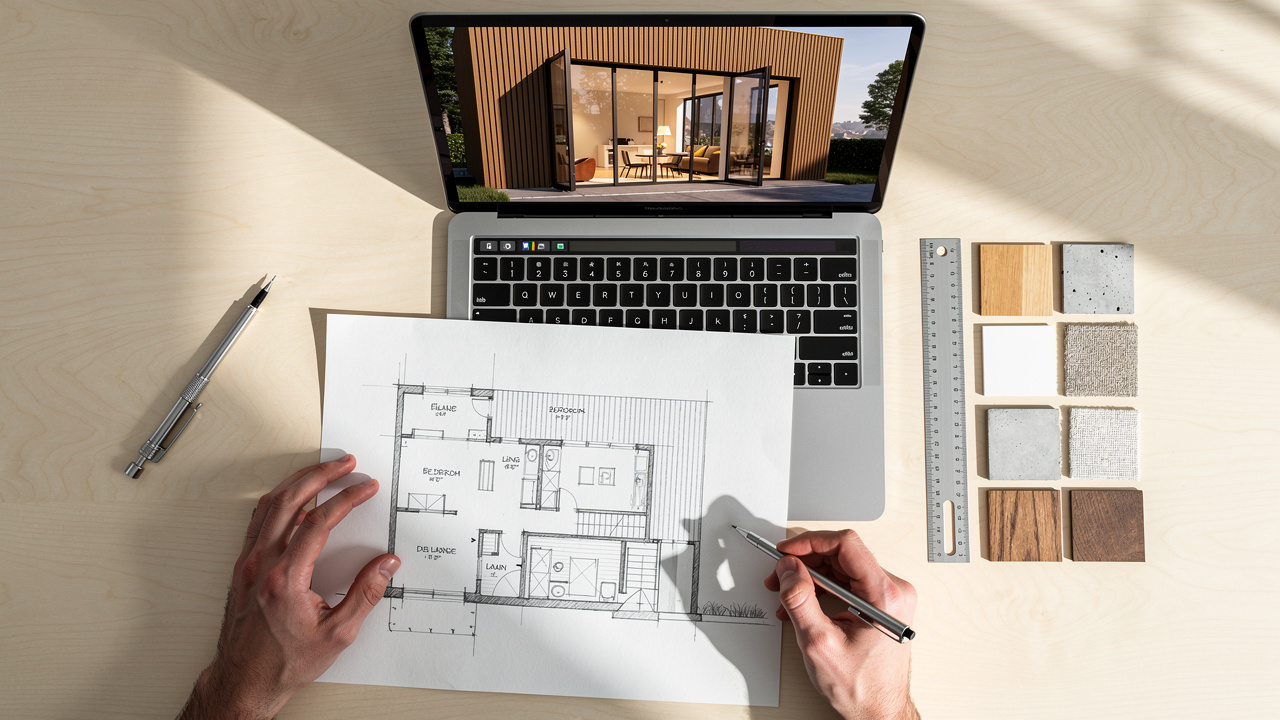
You begin by feeding your idea to the AI architecture generator. That might be a short text prompt describing a modern home, a hand sketch from a meeting, or a 3D model from software such as SketchUp. The tool uses this as the base for everything that follows.
From there, the process usually follows four clear steps:
Set The Look And Feel
You pick a visual style like photorealistic or architectural sketch, choose an architectural style such as minimalist or mid‑century modern, and note key materials and lighting. Even a few clear phrases here give the AI strong direction. Mentioning views (street‑level, aerial, interior) also helps.Generate First Images
You let the AI architecture generator process your request. In seconds, it returns one or more images. You review proportions, materials, lighting, and how well the image matches your brief. This review stage feels a lot like looking at early study renders, just much faster.Iterate And Refine
You adjust the prompt, change camera angles, or ask for new variations. Some tools let you paint over areas or highlight parts of the image that should change, such as cladding or landscaping. With each cycle, you get closer to what you want.Export For Real‑World Use
Once the result fits your needs, you export a high‑resolution file for a slide deck, planning package, proposal, or listing page. At no point do you need advanced 3D rendering skills; plain‑language prompts and simple controls carry most of the work.
For many designers, this feels less like running a render engine and more like directing a very fast visualization assistant.
What VizCloud Adds To This Workflow
VizCloud brings this full workflow into one clear, web‑based platform. You can go from concept to finished render without jumping between separate tools for exteriors, interiors, and real‑estate staging. The same AI architecture generator handles each of these tasks from a single dashboard.
With VizCloud, you can:
Upload 3D models, rough drawings, or reference photos.
Guide the output with style, mood, and camera‑angle controls.
Choose between exterior rendering, interior views, AI virtual staging, and image editing.
Produce multiple variations so clients can compare options side by side.
Because VizCloud focuses on speed and ease of use, you get photorealistic results in minutes and keep costs predictable with transparent pricing that works well for smaller firms. Teams that already use SketchUp, Revit, or similar tools can plug VizCloud into their design workflow guide as the fast rendering step between modeling and client presentation.
Crafting Prompts That Produce Exceptional AI Architectural Renders
Strong prompts are the secret to getting the most from any AI architecture generator. The software can guess, but it works much better when you tell it exactly what matters. Think of the prompt as a compact design brief in sentence form.
Start by being specific instead of vague. “Large windows” can mean many things, while “floor‑to‑ceiling glass facing the garden” is clear. “Bright interior” is loose, while “sunlit open‑plan living room with warm white walls” points the AI in a clear direction. The more precise your language, the closer the AI architecture generator comes to what you already see in your head.
It also helps to:
Focus on positives. Describe what you want to see rather than what you want to avoid. Saying “cloudless blue sky” works better than “no clouds in the sky.”
Include context. Mention the climate, surroundings, and usage: “urban infill lot,” “ski resort lobby,” “suburban family home with kids’ play area.”
Think about use‑case. A planning submission might need neutral, realistic lighting, while marketing images can push drama and mood.
When you build prompts, these elements help a lot.
| Prompt Element | What To Describe |
|---|---|
| Scene Type | Residential exterior, boutique hotel lobby, office fit‑out, backyard patio |
| Architectural Style | Scandinavian minimalist, industrial loft, mid‑century modern, brutalist tower |
| Materials | Reclaimed oak cladding, polished concrete floors, dark metal window frames |
| Lighting | Golden hour sunlight, overcast daylight, soft interior downlights |
| Context And View | Forest edge site, urban street, skyline view, eye‑level or bird’s‑eye camera |
As you work with any AI architecture generator, small tweaks to these details can change the results a lot. Try several versions of the same idea and compare.
Here are two sample prompts that often work well:
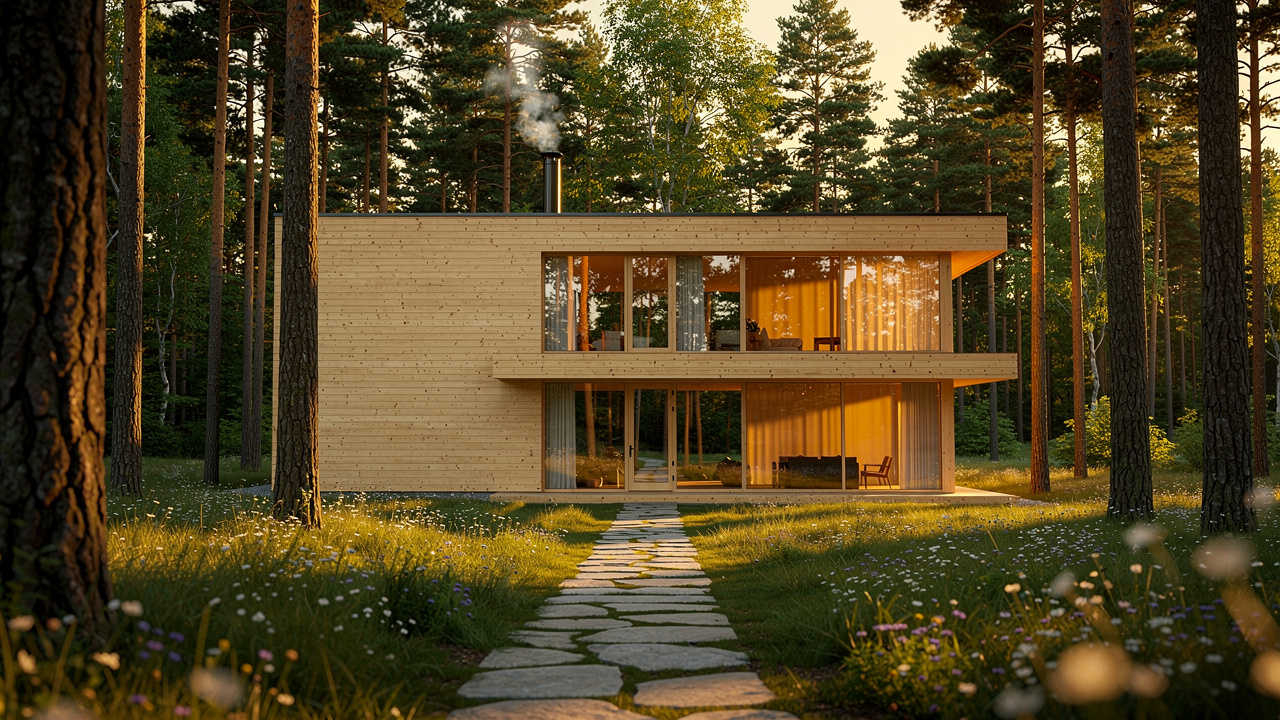
“Two‑storey Scandinavian minimalist house on a forest edge site, floor‑to‑ceiling glass facing the trees, light timber cladding, golden hour sunlight, eye‑level street view, photorealistic render.”
“Open‑plan office fit‑out for a tech company, industrial loft style, polished concrete floors, exposed ductwork, mix of shared desks and small focus rooms, warm interior lighting, wide‑angle camera.”
Pro Tip
Save your best prompts in a simple document or project folder. Over time you build a personal prompt library you can reuse and adjust for new clients, project types, and markets.
Top AI Architecture Generators For Design Professionals In 2026

Not every AI architecture generator serves the same need. Some shine in early creative exploration, while others focus on fast, reliable production renders. Knowing the difference helps you match tools to each phase of your workflow and budget.
VizCloud
VizCloud is built for architects, interior designers, BCIN designers, technologists, and real estate teams who need client‑ready images, not just quick sketches. The platform covers exterior rendering, interior visualization, AI virtual staging, and 3D model rendering in one place. You guide the AI architecture generator with simple prompts and file uploads and get photorealistic images in minutes. Clear, affordable pricing makes it easier for small and mid‑sized firms to use high‑quality rendering on every project instead of only on hero shots. For many studios, VizCloud becomes the standard step between design development and client presentations.Midjourney
Midjourney is strong for early‑stage concept work. You write prompts in natural language, and the system generates rich, often artistic images that help set mood and direction. Many designers use it as an AI architecture generator for massing ideas or style studies rather than final deliverables. It can inspire unexpected options for materials, façade rhythms, and interior atmospheres. Its base plan is about ten dollars a month for several hundred images, though pricing and terms may change.Krea AI
Krea AI can work both as a concept tool and as a simple renderer. You can go from text to image, refine existing images, or create basic floor plan visuals. For some firms, it acts as a flexible AI architecture generator for quick studies or marketing drafts. A limited free plan is available, with paid access beginning around ten dollars a month, making it approachable for solo designers who want to try AI image generation.Playground
Playground focuses on ease of use with many presets and filters that fit architectural scenes. Designers can mix prompts with reference images and use in‑app tools such as generative fill to adjust results. Its community gallery gives real examples and prompt ideas you can copy and adapt. A free tier offers a daily image allowance, while paid plans start near fifteen dollars a month, so teams can test it before committing.Dall‑E With ChatGPT
Dall‑E, used inside ChatGPT, is handy when you already work in that interface and want fast visual sketches. You describe the space or building, and the AI architecture generator returns clear concept images. It does not give the same fine control as specialized tools, but it works well for quick studies, internal discussions, and mood exploration. Access comes through the ChatGPT Plus subscription, which has commonly been around twenty dollars a month, though you should confirm current pricing.
For many teams, a smart stack uses one AI architecture generator for loose concept work and VizCloud for polished, client‑ready renders. That way you enjoy wide exploration early, then rely on a focused rendering platform when quality and consistency matter most.
Conclusion
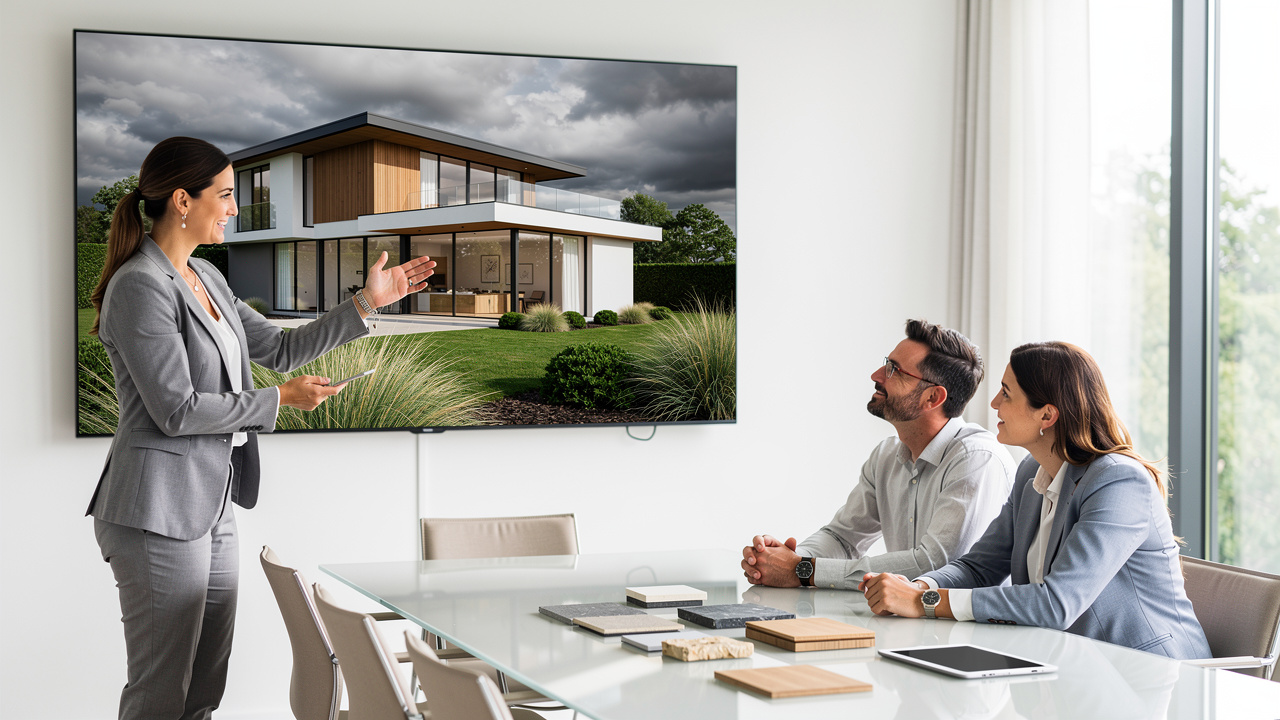
AI architecture generators have changed how fast you can move from idea to image. What once took days of back‑and‑forth now fits into a short work session, with an AI architecture generator turning prompts, sketches, or models into sharp visuals in minutes. This speed reduces pressure around deadlines and leaves more time for real design decisions.
Barriers that used to slow you down, such as complex software, high rendering costs, and long wait times, no longer need to stand in the way. VizCloud gathers exterior views, interior scenes, staging, and editing in a single, easy platform, so you can focus on design instead of wrestling with tools.
If you want to see how this feels in practice, try putting your next concept through VizCloud. A simple prompt or model upload is enough to create a photorealistic render you can show a client the same day. For modern design and real‑estate work, AI‑driven visualization is quickly becoming the standard, and VizCloud helps you stay ahead of that curve.
FAQs
Many professionals share similar questions when they first consider using an AI architecture generator in real projects. These answers address the most common points.
Is VizCloud’s AI architecture generator really free to use?
VizCloud focuses on transparent, affordable pricing so individual designers and smaller firms can access high‑quality rendering. Plan details, including any current free trial or starter tier, can change over time. The best way to see what is available right now is to check the pricing page on the VizCloud site before you start.
Do you need design software experience to use an AI architecture generator?
No advanced software background is required to work with VizCloud or a similar AI architecture generator. You describe your idea in plain language, upload a sketch or model if you have one, pick a style, and let the system do the heavy lifting. This makes high‑quality rendering accessible to architects, designers, and real estate agents alike, even if they rarely open traditional 3D packages.
Can you use an AI architecture generator with existing SketchUp models?
Yes, VizCloud supports 3D model rendering, including models created in SketchUp and similar tools. You upload the file, describe the materials, lighting, and mood you want, and the AI architecture generator turns the geometry into a photorealistic view in minutes. This bridges your current CAD workflow with fast, AI‑driven visualization.
How does AI architectural rendering compare to traditional rendering for speed and cost?
Traditional rendering often takes many hours per image, and outsourced work can start around two hundred fifty dollars or more per view. With an AI architecture generator such as VizCloud, you can get comparable photorealistic output in minutes under a clear monthly subscription. That shift means you can afford to iterate more often and use strong visuals on a wider range of projects, from early concepts to final marketing materials.